
Fish Audio
Create expressive AI speech with text-to-speech, voice cloning, speech-to-text, and voice options.
Price: Freemium
Description
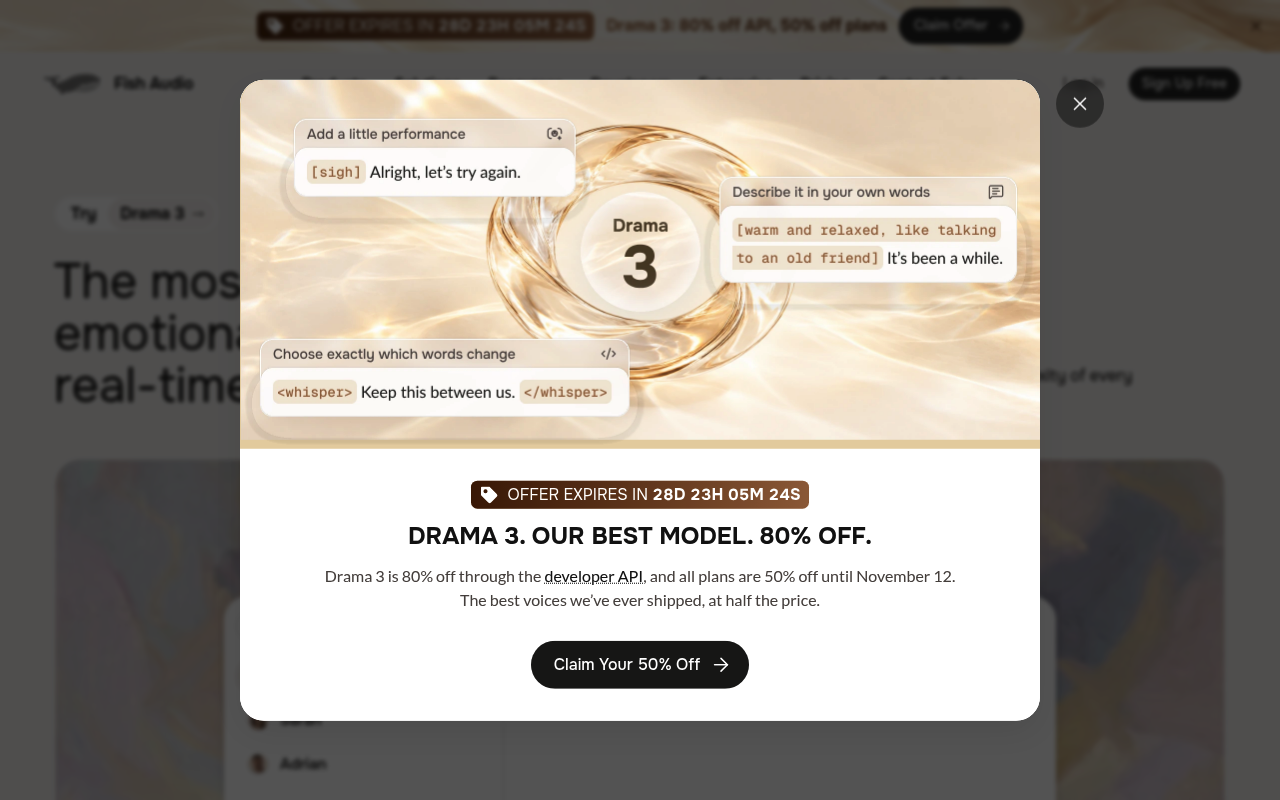
Fish Audio offers AI audio tools including text-to-speech, voice cloning, speech-to-text, avatar lip-sync, voice changer, audio separation, and audio translation. Its homepage highlights Drama 3, a real-time voice model with controls for emotional expression and conversational delivery.
The text-to-speech interface lets users enter text, choose a voice and language, and apply emotion or special tags such as whispering, laughing, or pauses. Plans provide monthly generation credits and limits, with higher tiers adding more generation capacity, voice slots, and team seats.
How to Use
1.Sign up for an account or log in to Fish Audio.
2.Choose a tool such as text-to-speech, voice cloning, or speech-to-text.
3.For text-to-speech, enter the text you want to generate and select a language and voice.
4.Add emotion or special tags if desired, then generate and play the audio.
5.Check your plan’s credits and generation limits when planning further use.
Use Cases
Generate expressive narration from written textCreate dialogue with emotional or special delivery tagsExplore voice cloning for voice-based projectsConvert speech to textCreate audio for creator and professional projects
Pros & Cons
Pros
- Text-to-speech interface includes selectable voices and language
- Supports emotional and special delivery tags, including whispering, laughter, and pauses
- Offers multiple audio products, including voice cloning and speech-to-text
- Plans show monthly credits and generation limits
Pricing
Free Tier: $0/month - 8,000 monthly credits, up to 7 minutes of generation, up to 500 characters per generation, 3 public voice slots, standard generation speed
Plus: $15/month or $132 billed annually ($11/month equivalent) - 250,000 monthly credits, up to 200 minutes of generation, up to 15,000 characters per generation, unlimited public and 10 private voice slots, priority generation, Voice Design access, 1 professional voice slot
Pro: $100/month or $900 billed annually ($75/month equivalent) - 2,000,000 monthly credits, up to 1,620 minutes of generation, 3 team seats, up to 30,000 characters per generation, unlimited voice slots, 5 professional voice slots, includes Plus features
Max: $999/month or $8,988 billed annually ($749/month equivalent) - 25,000,000 monthly credits, up to 6,250 minutes of generation, 10 team seats, 15 professional voice slots, includes Pro features
Enterprise: Custom volume pricing billed annually - organization-level controls, pay-as-you-go, Zero Data Retention, on-premise deployment, SOC2 compliance, custom SSO marked as coming soon
FAQs
Related Tools

Create realistic text-to-speech voiceovers, audio, and narrated videos from text, presentations, and scripts.