
Narakeet
Create realistic text-to-speech voiceovers, audio, and narrated videos from text, presentations, and scripts.
Price: Freemium
Description
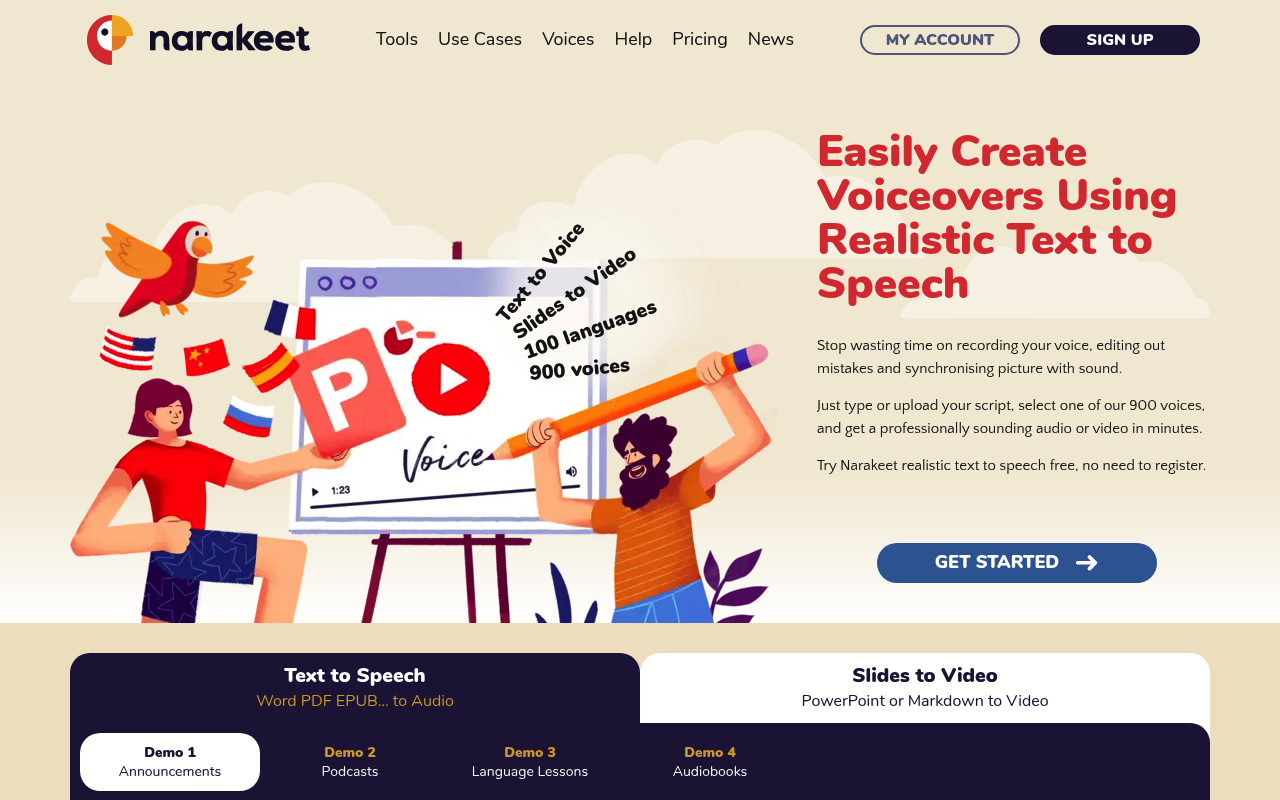
Narakeet helps users turn text into spoken audio and narrated videos. Its tools include text-to-audio, speech-to-text, PowerPoint-to-video, and Markdown-to-video, as well as voice generation and dubbing options.
The service offers voices for different languages and accents, with examples including American, British, Scottish, Welsh, Canadian, Australian, New Zealand, and Irish English. Listed use cases include educational and corporate training videos, audiobooks, blog and article audio, video reports, and voicemail greetings.
Narakeet has free and commercial accounts. The pricing page describes commercial purchases as one-time payments for additional capacity, charged according to the duration of audio or video produced or transcribed rather than as recurring subscriptions.
How to Use
1.Choose a tool, such as Text to Audio, PowerPoint to Video, or Speech to Text.
2.Enter or upload your text, presentation, audio, or other supported source.
3.Select a voice or configure the available settings for your chosen tool.
4.Use a preview where available to check the result.
5.Create and download the finished audio or video, using account credits when applicable.
Use Cases
Create voiceovers for educational videosGenerate narration for corporate training materialsTurn blog posts, articles, or PDFs into audioMake audiobooks from textCreate narrated videos from PowerPoint presentations or Markdown scriptsTranscribe audio to textProduce voicemail greetings and IVR recordings
Pros & Cons
Pros
- Offers text-to-audio, speech-to-text, and narrated video tools
- Supports PowerPoint and Markdown-to-video workflows
- Includes voices for multiple languages and English accents
- Free accounts include 20 conversions
- Commercial accounts include automation API access, SSML scripting, and batch audio creation
Pricing
Free: Free account - 20 conversions; no commercial use, automation API, SSML scripting, or batch audio creation
Commercial: One-time payment for additional capacity - conversion allowance depends on the commercial package; commercial use and automation features included
FAQs
Related Tools

Create expressive AI speech with text-to-speech, voice cloning, speech-to-text, and voice options.