
GPTZero
Detect AI-generated writing, review writing quality, and check for plagiarism with GPTZero.
Description
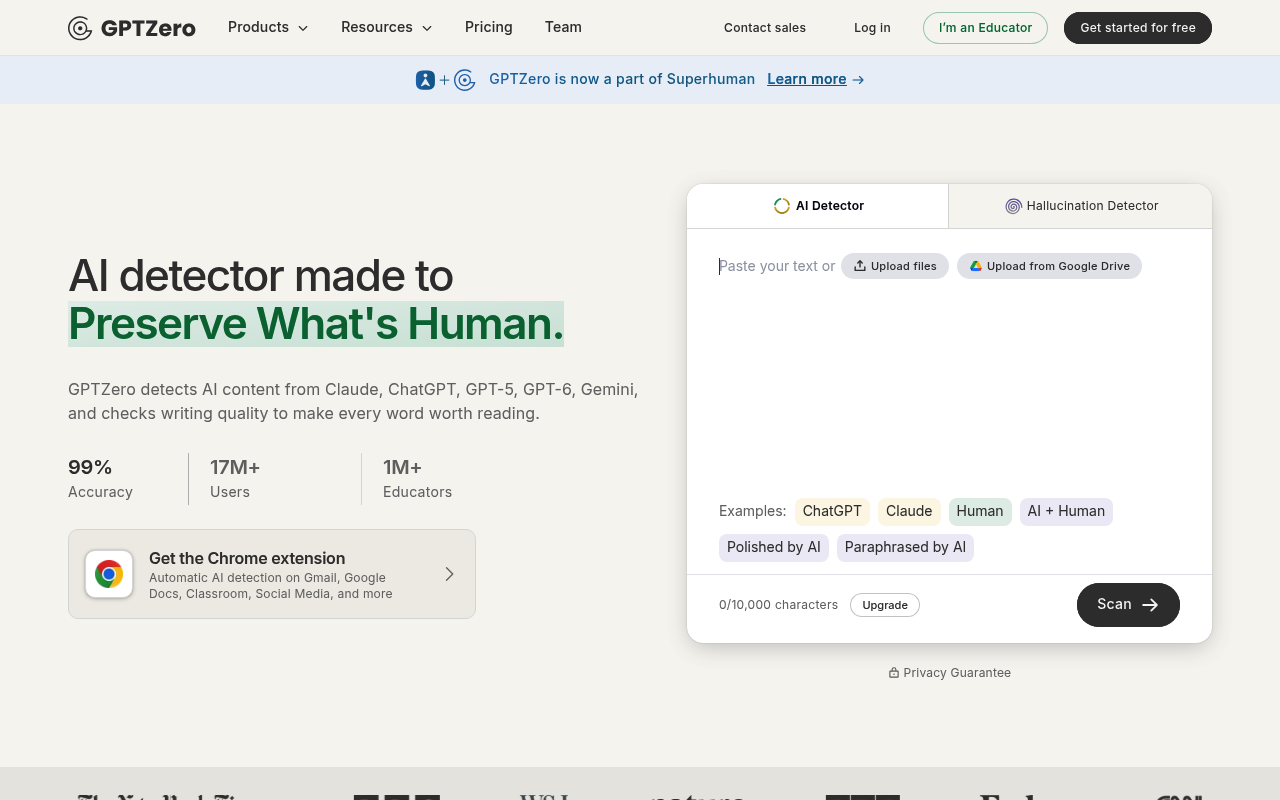
GPTZero is an AI detection tool that classifies writing from major AI models, including ChatGPT, Gemini, Llama, and Claude. Users can paste text or upload files for scanning, with Google Drive upload also available. The homepage says it checks writing quality and offers a free AI detector experience.
Additional tools include Advanced Scan, a plagiarism checker, writing feedback, and Writing Replay in Google Docs. Writing Replay lets users watch a document's writing process, view copy-and-pastes, and check for unnatural typing patterns. GPTZero also offers a Chrome extension and a Google Docs integration.
How to Use
1.Open GPTZero and paste text into the detector, upload a file, or import a document from Google Drive.
2.Select Scan to check the text for AI-generated content.
3.Review the detection results and, where available, use Advanced Scan, plagiarism checking, or writing feedback for further review.
4.For document writing-process review, use Writing Replay in Google Docs or the Chrome extension.
Use Cases
Check essays or other submissions for AI-generated writingReview documents for possible plagiarismAssess writing quality and get grammar feedbackReview a Google Docs document's writing process and copy-and-pastesScan writing created with major AI models, including ChatGPT, Gemini, Llama, and Claude
Pros
- Free plan includes 10,000 words per month
- Supports text input, file uploads, and Google Drive uploads
- Offers AI detection, plagiarism checking, and writing feedback
- Google Docs and Chrome extension integrations are available
- Writing Replay can show document edits and copy-and-pastes
FAQs
Related Tools

AI text detector and rewriter that checks text and rewrites it in human-like styles across 20+ languages.