
NoteGPT
An AI agent that plans tasks, searches the web, creates content and files, and delivers editable results.
Price: Freemium
Description
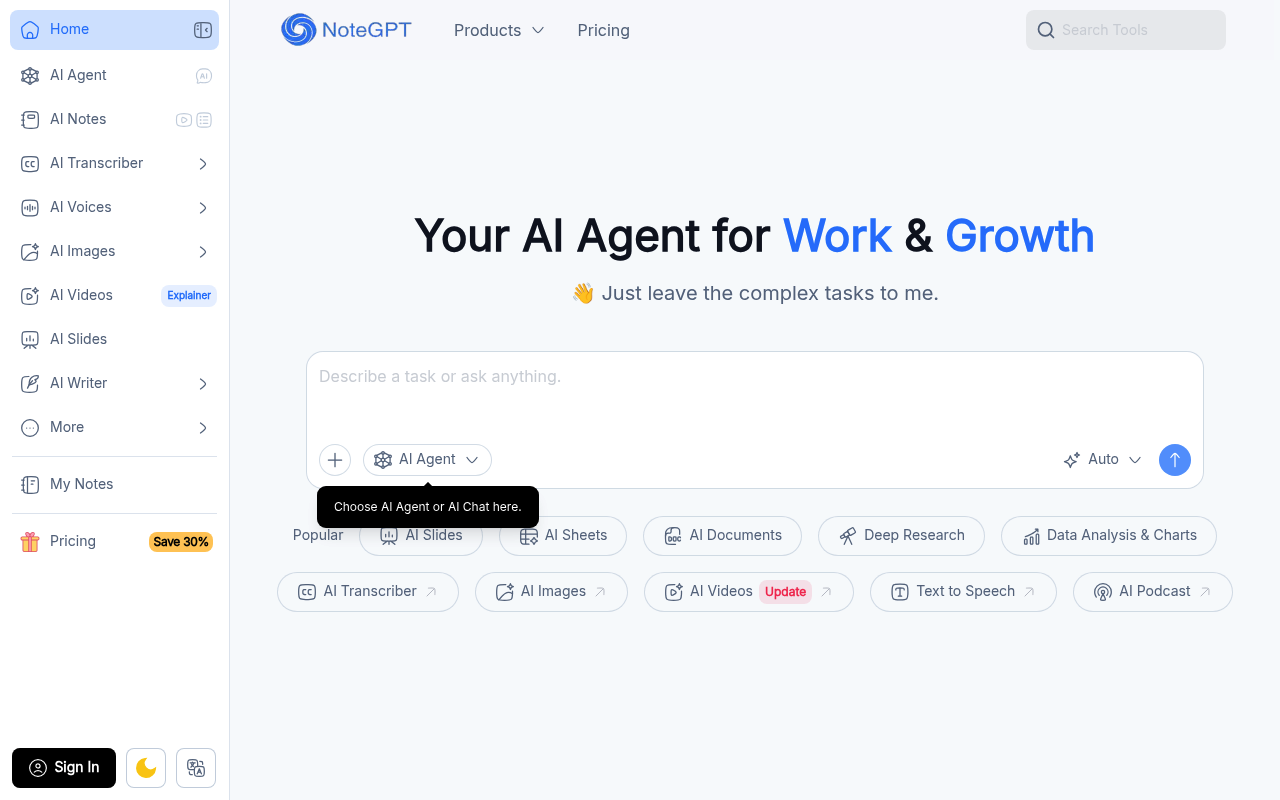
NoteGPT describes itself as an AI agent for work and growth. It aims to understand a user's goals, context, tone, and requirements, ask for key details when needed, and turn larger goals into clear steps with a transparent plan.
The agent can search the web, write content, create files, and draw charts, then deliver an editable result that users can ask it to refine. The homepage also highlights study and research tasks such as summarizing lectures and recordings, making flashcards, reviewing papers, translating PDFs, and creating presentations, slides, quizzes, podcasts, and infographics. NoteGPT says it protects personal data with measures including ISO 27001, SOC 2, GDPR, and CCPA, and that personal data is not used for AI model training.
How to Use
1.Describe your goal, context, tone, and requirements to NoteGPT.
2.Provide any key details it requests so it can understand the task.
3.Review the plan it creates and the steps or tools it proposes.
4.Let the agent carry out the task, such as searching the web, writing content, creating a file, or drawing a chart.
5.Review the editable result and request refinements if needed.
Use Cases
Summarizing lectures and recordings for studyCreating flashcards and test questions for exam preparationTurning lessons into podcasts or listening materialsReviewing research papers and organizing insightsTranslating PDFs while retaining formattingCreating presentations, slides, and infographicsSummarizing complex reports for client meetings
Pros & Cons
Pros
- Plans larger goals into clear steps and keeps the process transparent
- Can search the web, write content, create files, and draw charts
- Delivers editable results that users can ask it to refine
- Supports a range of study, teaching, research, and work tasks
- States that users can view, update, or delete their data
FAQs
Related Tools

Create and refine production-ready diagrams from prompts, code, or files with AI and a visual editor.