
Rask AI
Localize videos and audio with AI translation, dubbing, voice cloning, subtitles, and lip sync.
Price: Freemium
Description
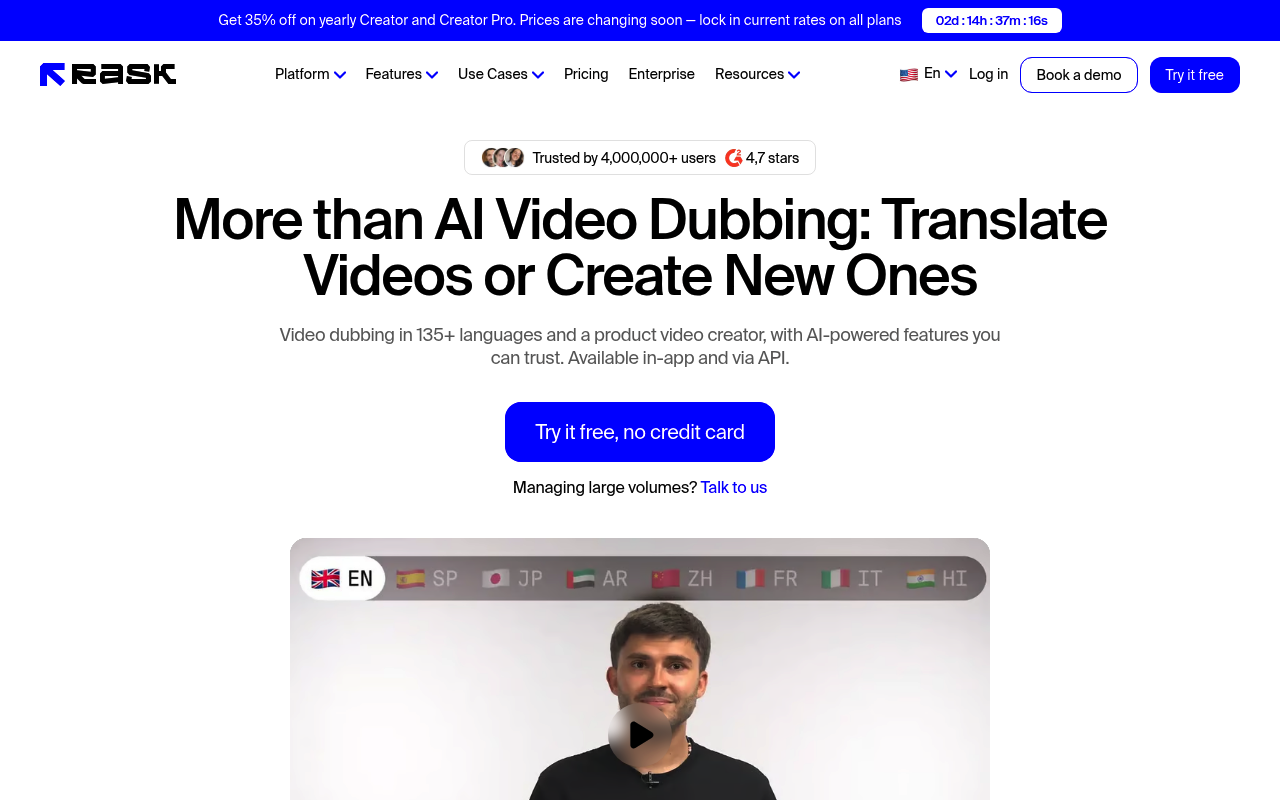
Rask AI is a video and audio localization platform for translating and adapting media for audiences in other languages. The homepage describes video translation, dubbing, and lip sync across 135+ languages, as well as audio translation with voice cloning and accent adaptation.
Its features include automatic speech-to-text transcription, multi-speaker and multi-language translation, automated captions and subtitles, timestamp controls, and SRT upload and download. Users can also adjust scripts and use translation dictionaries and prompting. Rask AI offers free tools for tasks including subtitle generation, dubbing, subtitle translation, and video transcription, alongside API and enterprise options.
How to Use
1.Sign up or open one of Rask AI’s free tools.
2.Choose a video or audio localization task, such as translation, transcription, dubbing, or subtitle generation.
3.Provide the media and select the languages needed for your project.
4.Review and adjust the transcription, translation, script, captions, or timestamps using the available editing controls.
5.Use the resulting localized media or download subtitle files where supported.
Use Cases
Translate and dub videos for international audiencesCreate subtitles and captions for video contentLocalize audio with voice cloning and accent adaptationTranslate YouTube videosAdapt learning and corporate training materials for different languagesLocalize media, marketing assets, and customer education content
Pros & Cons
Pros
- Supports video translation, dubbing, and lip sync across 135+ languages
- Voice cloning is listed for 32 languages
- Includes transcription, subtitles, timestamps, and SRT file controls
- Supports multi-speaker translation and translation dictionaries
- Provides free tools for subtitles, dubbing, translation, and transcription
- Offers an API and enterprise capabilities including SSO/SAML and human-in-the-loop workflows
FAQs