
VanceAI
A suite of AI tools for enhancing, editing, and transforming images and videos, available online and through desktop apps.
Price: Freemium
Description
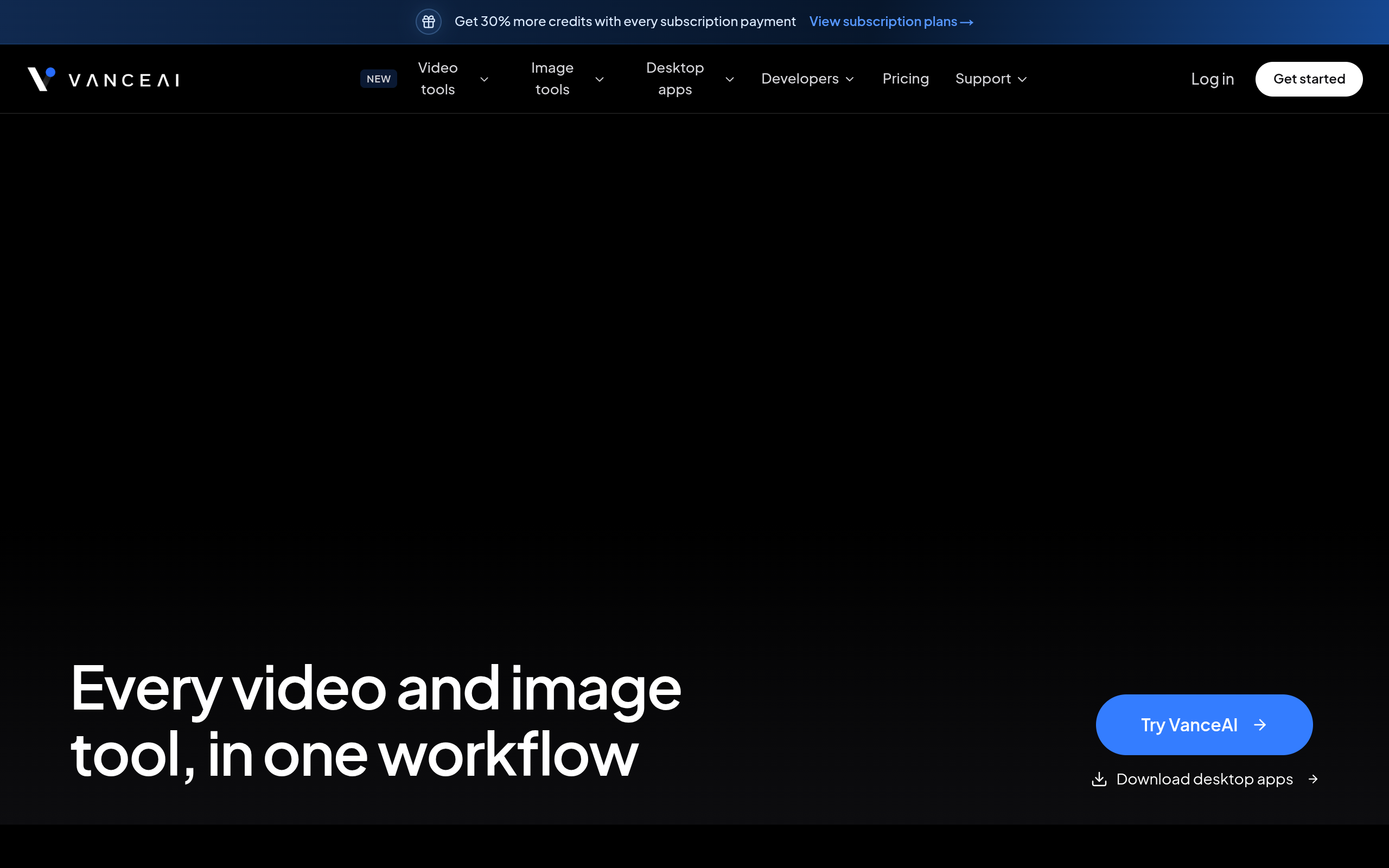
VanceAI brings image and video processing tools together in one workflow. Its image tools cover upscaling, sharpening, enhancement, denoising, retouching, photo restoration, colorization, anime upscaling, and photo-to-sketch or photo-to-cartoon transformations. It also offers background removal and passport photo preparation.
Video tools include upscaling, SDR-to-HDR conversion, colorization, denoising, smoothing, subtitle generation, and an AI Video Autopilot. The site offers browser-based access, desktop apps for local or cloud-powered processing, and developer integration options including an API and ComfyUI node. VanceAI also describes its lightweight cloud desktop client as free.
How to Use
1.Open VanceAI and choose an image or video tool, or download a desktop app.
2.Upload or select the media you want to process.
3.Choose the relevant operation, such as upscaling, denoising, colorizing, or background removal.
4.Run the processing job and review the result.
5.Save or download the processed media.
Use Cases
Upscale or sharpen low-resolution imagesDenoise and enhance photosRestore or colorize old photographsRetouch portraitsRemove image backgroundsPrepare passport photosConvert photos into sketches or cartoonsUpscale, colorize, denoise, or smooth video
Pros & Cons
Pros
- Broad collection of AI tools for both images and videos
- Offers browser access as well as desktop apps
- Includes local-processing and cloud-powered desktop options
- Provides developer integration resources, including API documentation and a ComfyUI node
- Free lightweight desktop client for AI video and image processing
FAQs