
Adobe Podcast
Browser-based AI audio tools for recording, editing, transcribing, captioning, and enhancing podcasts and voice recordings.
Price: Freemium
Description
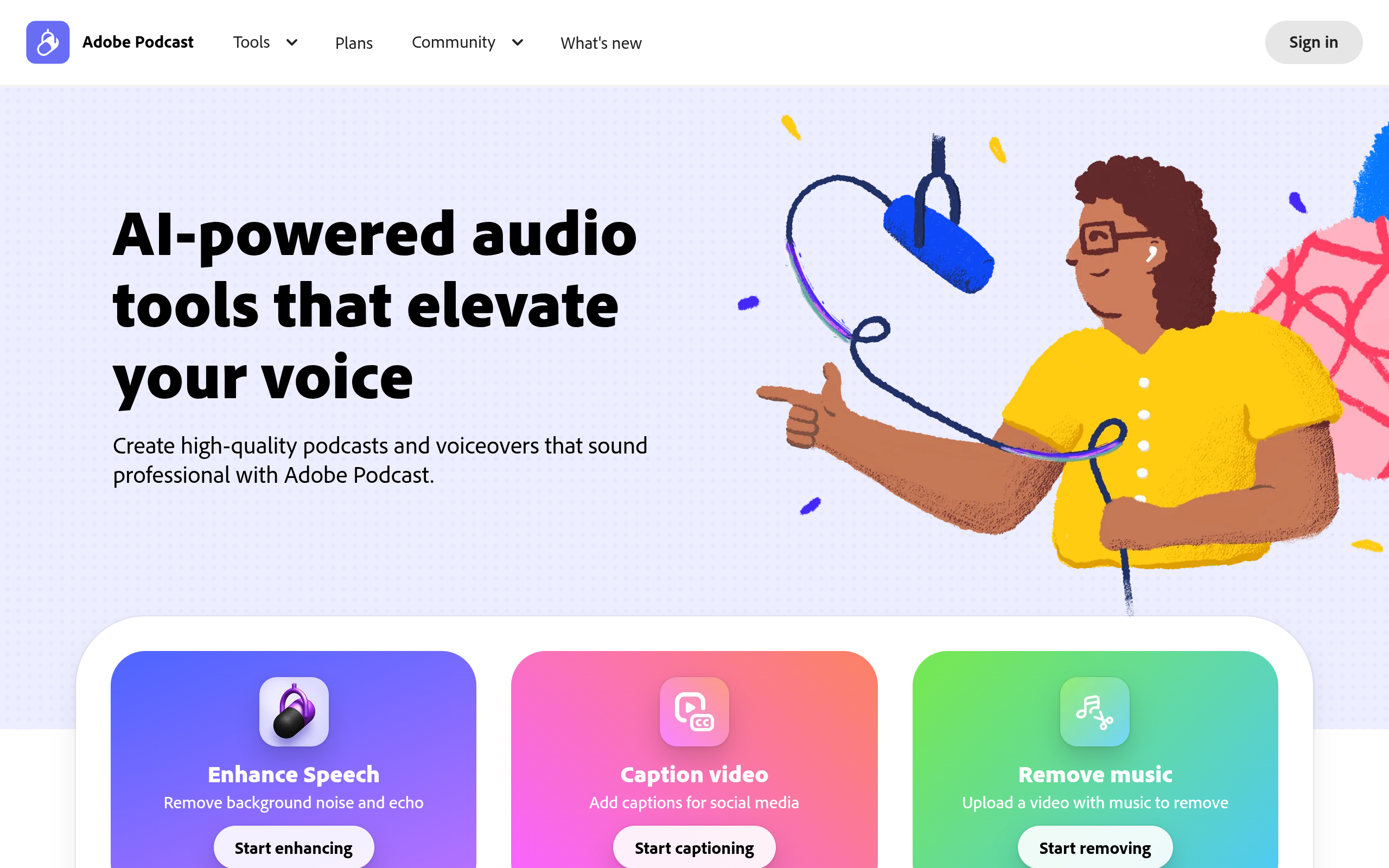
Adobe Podcast is a browser-based suite for creating podcasts and voiceovers. Its tools include Enhance Speech for removing background noise and echo, and Studio for recording, editing, and enhancing audio in the browser without downloading software.
The homepage also highlights video captioning, music removal, audio and video transcription with text or PDF downloads, and podcast recording with remote guests. A free plan offers limited daily access, while the Firefly Pro plan unlocks Adobe Podcast Premium features.
How to Use
1.Open Adobe Podcast in a web browser and choose a tool, such as Enhance Speech or Studio.
2.Upload a recording or start a new project in Studio.
3.Apply the available enhancement, editing, transcription, captioning, or music-removal tools.
4.Review your result and download or use the available export options.
Use Cases
Clean up speech recordings with background noise or echoRecord a podcast solo or with remote guestsEdit audio and video for a podcast or voiceoverTranscribe audio or video and download the text or PDFCreate captioned videos for social mediaRemove music from an uploaded video
Pros & Cons
Pros
- Works in a browser without downloading software
- Combines recording, editing, and audio enhancement tools
- Enhance Speech can remove background noise and echo
- Includes options for transcription, captions, and music removal
- Free plan available
Pricing
Free plan: Complimentary - limited daily generations; audio-only enhancement with 30-minute maximum duration and 1-hour daily limit; Studio downloads up to 30 minutes and 2 projects per day
Firefly Pro plan: Price and billing period not shown in the provided plan text - includes Adobe Podcast Premium features and up to 4,000 generative credits per month
FAQs