
Vectorizer.AI
Convert raster images such as PNG, JPG, GIF, and WebP into editable SVG, EPS, DXF, and PDF vector files.
Price: Premium
Categories:AI Image EditorsAI Design Tools
Description
Vectorizer.AI converts raster images into scalable vector artwork using AI-powered tracing. It accepts image formats including PNG, JPG, GIF, BMP, and WebP, and can export vector files in SVG, EPS, DXF, and PDF formats. The service runs in a browser without requiring software installation.
The tool is designed for workflows such as preparing logos and illustrations for print or web, and creating paths for CAD and CNC. Users can preview results before purchasing, inspect them in the Web App, adjust export options, and download the output. Developers can use API plans to automate image vectorization in software and workflows.
How to Use
1.Open Vectorizer.AI in your browser.
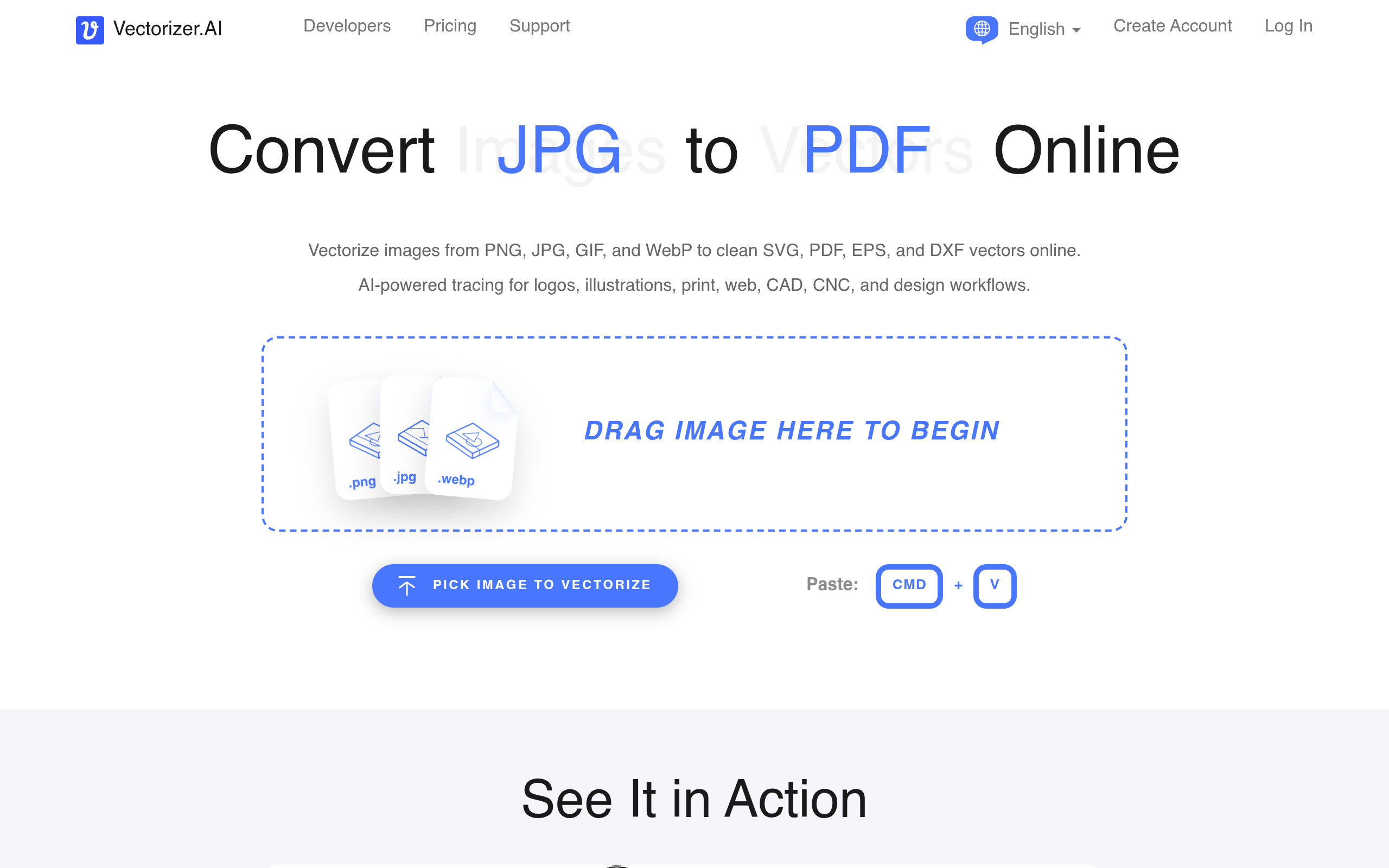
2.Drag an image onto the page, choose a file, or paste an image. Supported input formats include PNG, JPG, GIF, BMP, and WebP.
3.Review the interactive preview of the vectorized result.
4.Choose an available export format and adjust export options if needed.
5.Download the vector file.
Use Cases
Convert a logo into an editable vector filePrepare illustrations and artwork for printCreate vector assets for web and design workflowsGenerate DXF paths for CAD or CNC workflowsIntegrate image vectorization into a website, mobile app, or production pipeline using the API
Pros & Cons
Pros
- Runs in a browser without software installation
- Supports common raster image formats, including PNG, JPG, GIF, BMP, and WebP
- Exports to SVG, EPS, DXF, and PDF
- Offers an interactive preview before purchase
- API credits roll over up to five times the monthly credit allowance
FAQs
Related Tools

A collection of online PDF, image, writing, and video tools, including AI-powered generators and editors.

A suite of AI tools for enhancing, editing, and transforming images and videos, available online and through desktop apps.